iPad Pro not responding: quick checks before you worry
The case, a clean connector, enough charge: the checklist to run through before suspecting a real hardware fault.
Rule out environmental factors first
Remove any case, screen protector, or gloves that might interfere with the touchscreen, and use finger pads rather than nails to interact with the screen.
A simple clean that resolves plenty of issues
Clean the display with a soft, slightly damp, lint-free cloth, and inspect the charging connector for debris using a soft-bristled brush.
Check power before any other theory
Use a compatible cable with an official power adapter. A deeply discharged device may need 20 to 30 minutes of charging just to turn on — worth keeping in mind before assuming a fault.
Software before hardware
Restart the iPad normally, then attempt a force restart if needed, and check that the software is up to date. Then consult the support article matching the specific symptom observed, rather than jumping straight to a full restore, which erases all data.
This guide is about
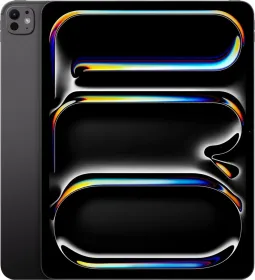
 Apple iPad Pro 13 2024 Tablet 5G (2TB + Standard Glass)