Using Backtrack on Apple Watch Ultra
How to record your route in remote terrain and find your way back, plus the one limitation worth knowing before you head out.
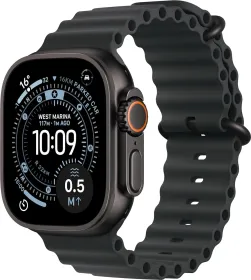
What this feature does
Backtrack, available in the Compass app, records the route you've traveled to help you retrace your steps if needed. It's designed for remote settings — away from familiar places like home or work — and sparsely populated areas without Wi-Fi.
Starting and stopping the recording
From the Compass app, tap the Backtrack button, then Start to begin recording your route through an outdoor area. Once your starting point is recorded, Compass displays the exact location where you first tapped the button.
Finding your way back
To retrace your route, simply pause the recording and select Retrace Steps: the app then shows your original starting point on the Compass, letting you follow the path back.
Quick access via the Action button
The Action button can be configured to launch Backtrack directly: pressing it starts recording, while pressing the Action and side buttons at the same time pauses it.
One limitation to keep in mind
The feature doesn't account for external conditions such as changes in elevation or obstacles encountered along the way — it retraces a path, not a terrain.
This guide is about
Apple Watch Ultra 3