Phone: manage your calls like a pro on the Galaxy S26 Ultra
AI call filtering, text call, live translation, blocked numbers: the calling features of the Galaxy S26 Ultra worth knowing.
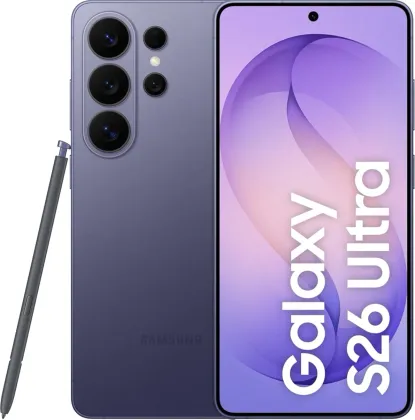
An AI assistant that screens your calls for you
The Call Filter feature (Phone > More options > Settings > Call filter) has an automatic voice assistant answer on your behalf when a call comes in: it asks the caller who they are and the reason for their call, transcribing it live in a notification you can check without picking up. You still have full control to answer for real or switch to a text call at any time.
Text call, to reply without speaking
Once enabled, text call lets you hold a phone conversation in writing: an automatic greeting message is sent to the caller, and what they say is displayed as text on your screen. Your replies, typed or chosen from a list of quick responses, are then relayed out loud to the other person.
Translating a voice call in real time
For international calls, Live translate translates the conversation into the chosen language during the call itself, without switching to another app.
Blocked numbers and custom decline messages
From Settings > Block numbers, you can block specific contacts or numbers, as well as all calls from hidden numbers. For calls you deliberately decline, several custom auto-reply messages can be created in advance (Settings > Quick decline messages), with the option to send a reminder an hour later.
Speed dial, still handy
A number can be assigned to a key on the dial pad (Keypad > More options > Speed dial numbers): a long press on that key launches the call directly, without going through contacts.
Options available during a call
During a call, several shortcuts remain accessible: hold to take a second call, turn on speaker or Bluetooth, switch to video, and for video calls, automatic framing that follows whoever is speaking, visual effects, or the option to temporarily turn off the camera without hanging up.
The Zonelectro tip
For a business call in a noisy environment, switching to text call avoids having to fully step away: the conversation continues in writing, without losing track of what's being said.
This guide is about
 Samsung Galaxy S26 Ultra 5G