Pre-continuous shooting on the Canon EOS R5 Mark II
Capturing images taken before the shutter button is even fully pressed — how to turn it on, and the limits worth knowing.
Capturing the instant right before the click
Pre-continuous shooting lets the burst begin before the shutter button is even fully pressed, as long as it was held at half-press for a moment beforehand. In practice, the camera continuously records into a memory buffer for roughly 0.5 seconds at 30 fps before the full press — the exact amount of preliminary shooting varies depending on the continuous shooting speed chosen.
Turning the feature on
The setting lives in the Shooting menu, under the Pre-continuous shooting option, where you specify the number of images to capture before the full shutter press.
The required conditions
This feature relies exclusively on the electronic shutter — it isn't available with the mechanical shutter — and requires a memory card with at least 4 GB of free space. Shutter speeds slower than 0.5 seconds aren't available.
Limits worth keeping in mind
Focus can be lost if the subject's distance changes suddenly. A low battery level degrades the feature's performance, and exposure can shift if you zoom while holding the shutter button at half or full press.
This guide is about
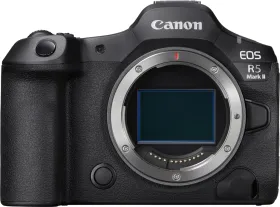
Canon EOS R5 Mark II Mirrorless Camera (Body Only)