MSI Titan 18 HX AI: getting to know the ports and connectors
Thunderbolt 5, HDMI 2.1, the SD card reader: the full port layout on the Titan 18 HX AI.
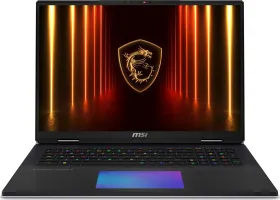
The high-speed video and data ports
Thunderbolt 5 is the most versatile port on the machine: very fast data transfer, video output to an external display, and charging, all through a single connector. The HDMI 2.1 port rounds out video output for connecting a TV or external monitor that isn't equipped with USB-C. A USB 3.2 Gen 2 Type-A port remains available for more conventional peripherals (mouse, keyboard, external drive).
Network and physical security
The RJ-45 port allows a reliable wired connection, complementing the built-in Wi-Fi 7. The Kensington Lock slot lets you physically secure the laptop with a cable lock — genuinely useful on the go or in a shared space.
Storage and audio
The SD card reader makes it easy to transfer photos and video straight from a camera or camcorder, without a cable. The combo audio jack, on the left side of the laptop, takes headphones, a microphone, or a headset.
The power port (DC-in)
Located on the back of the laptop, it takes the included AC adapter — make sure it's firmly connected on both ends (laptop and wall outlet) before the first power-on.