ASUS ROG Zephyrus Duo: getting to know the ports on the dual-screen chassis
The second screen, the MicroSD slot, the combo USB-C/DisplayPort port: the full port layout on a ROG Zephyrus Duo.
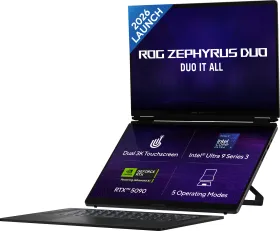
The top: two screens and the keyboard
What immediately sets a ROG Zephyrus Duo apart is its second screen (the companion display), positioned just above the keyboard in addition to the main display. Here you'll also find the array microphones, the caps lock indicator, status lights, the speakers, the power button, and the touchpad that doubles as a NumberPad.
The bottom: ventilation only
Air vents, extra speakers, and a compartment cover occupy the underside — no ports here, they're all spread across the edges.
The back: network and video
The network (LAN) port, a USB 3.2 Gen 2 port, and the HDMI port sit at the back, alongside the air vents.
The right side: fast USB and combined video
A second USB 3.2 Gen 2 port and a combo USB-C 3.2 Gen 2 / DisplayPort / Power Delivery port let you plug in a fast peripheral, output to an external display, or charge the laptop.
The left side: expanded storage and power
The MicroSD card slot adds to the internal storage, the DC power port accepts the AC adapter, and the combo headphone/microphone jack takes headphones, a headset, or a combo mic-headset.