Planning a dive with the Garmin Fenix 8
Calculate the no-decompression time or breathing gas for a future dive in advance, right from the watch.
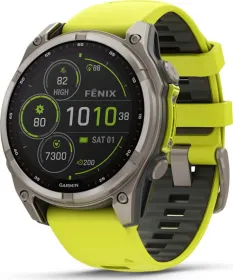
Planning ahead before getting in the water
The Plan Dive feature lets you run calculations for a future dive right from the watch — including no-decompression limit (NDL) time or the breathing gas mix. These calculations remain simulations: they aren't saved, and they aren't automatically applied to the dive you actually perform afterward.
Calculating NDL time
From the menu, select Plan Dive, then Compute NDL. Two approaches are available: enter the planned depth to get the corresponding NDL time, or conversely enter the planned dive duration to get the maximum compatible depth. You can also add intervals to the dive through the Add Repeat Dive option, following the on-screen instructions.
Calculating your breathing gas
The Calculate Gas option lets you estimate the PO2 value, the oxygen percentage, or the maximum depth for a dive, by adjusting two of the three values against each other. This calculation depends directly on the water type setting defined in the Dive Setup menu — a setting worth checking before any estimate.
This guide is about
Garmin Fenix 8 Solar Smartwatch (51mm)