Cleaning your HP OMEN 16 Max safely
HP Easy Clean, disinfecting with isopropyl alcohol: HP's own step-by-step method for cleaning the laptop without damaging it.
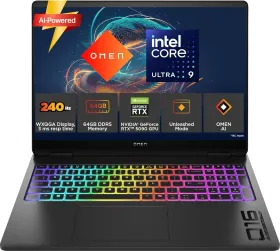
Disabling input before cleaning
The HP Easy Clean software temporarily disables the keyboard, touch screen, and touchpad while cleaning, to prevent accidental input — genuinely useful for cleaning every surface without triggering unwanted commands.
The basic method, in order
Wear disposable gloves, turn off the device and unplug the power cord and any peripherals, then dampen a microfiber cloth with water — moist, never soaking wet. Avoid abrasive cloths, towels, and paper towels, which can damage the surface. Gently wipe the exterior, starting with the display (top to bottom, in one direction) and finishing with flexible cables. Never spray liquid directly onto the device, and let it air-dry completely before turning it back on. Discard the gloves after each cleaning and wash your hands right away.
Disinfecting without damaging surfaces
A solution of 70% isopropyl alcohol and 30% water (standard rubbing alcohol) works for disinfecting high-touch surfaces, following the same method as basic cleaning. Strictly avoid: bleach, peroxides, acetone, ammonia, ethyl alcohol, methylene chloride, or any petroleum-based product (gasoline, paint thinner, benzene, toluene) — these can damage the device's finish.
A special case: real wood
On models that feature it, the wood veneer should only be cleaned with a dry microfiber cloth or chamois, never with products containing ammonia, methylene chloride, acetone, or turpentine, and never exposed to prolonged sun or moisture.