Modes and routines: automating your Galaxy S26 Ultra
Automatically adapt your phone's settings based on location or time of day, without thinking about it.
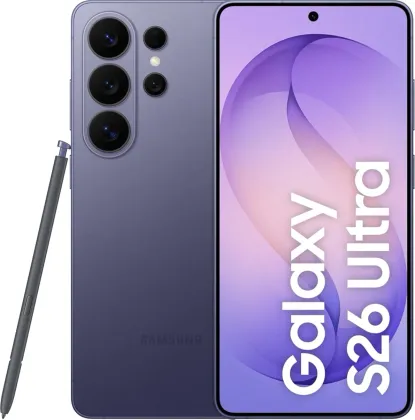
The difference between a mode and a routine
A mode groups a set of settings tied to an activity or situation (for example, a "Sleep" mode that mutes notifications and enables dark mode); it can be turned on or off manually, or automatically based on defined conditions. A routine, on the other hand, automates more specific repetitive actions, such as adjusting volume based on location or optimizing phone settings as soon as a game is launched.
Creating a custom mode
From Settings > Modes and routines > Modes, a custom mode can be built from scratch, or turned on directly from the quick settings panel without going through the full menu.
Creating a routine or picking a ready-made one
In the Routines tab, the Discover option offers already-configured routines ready to activate, while the create icon lets you build your own routine from scratch. For routines you'd rather trigger yourself instead of automatically, the "Start manually" option turns them into a simple shortcut, accessible both from the app and as a widget added to the home screen.
Stopping a running routine
A routine currently running can be stopped at any time from the list of active routines, or directly by tapping its widget on the home screen if one exists.
The Zonelectro tip
A simple but effective routine to try: automatically turn off Wi-Fi and enable Do Not Disturb mode as soon as the phone connects to the car's Bluetooth. Once set up, it activates on its own on every drive, with nothing left to do.
This guide is about
 Samsung Galaxy S26 Ultra 5G