Using the Double Tap gesture on Apple Watch Series 9
Answering a call or scrolling through the Smart Stack without touching the screen — a gesture made possible by the S9 chip.
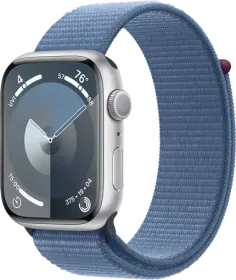
One gesture, one dedicated chip
Double Tap triggers by tapping your index finger and thumb together twice. This gesture is made possible by the S9 chip and its new 4-core Neural Engine, whose algorithm detects the unique signature of tiny wrist movements and changes in blood flow when the index finger and thumb tap together.
What this gesture lets you do
Double Tap lets you answer a call, reply to a message, view and scroll through your Smart Stack, and scroll through supported apps. It can also be customized to control media playback (Play/Pause or Skip) or Smart Stack navigation (Advance or Select).
When the gesture doesn't work
Double Tap stays unavailable in several situations: Low Power Mode is active, Sleep Focus is enabled, the display is inactive because your wrist is down, Apple Watch is locked, accessibility hand gesture features are enabled, or the watch is set up for a family member. When the feature isn't available on a particular screen or third-party app, its icon shakes side to side to signal that.
This guide is about
Apple Watch Series 9 45mm (GPS)