Gallery: organizing, editing and sharing your photos on the Galaxy S26 Ultra
Automatic albums, temporary trash, image remaster, object extraction: get the most out of the Gallery app.
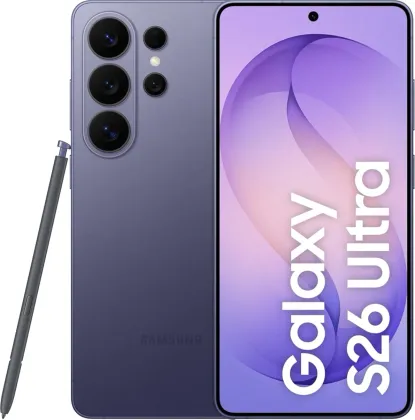
Albums that organize themselves (almost)
Beyond classic manually-created albums, Gallery offers automatic albums that group photos of a recognized person or pet, plus collections sorted by category (Stories, Screenshots, People, Places, Documents). Shared albums, including a family version, also let you pool photos with several people without going through a messaging app.
Remastering an old blurry or low-resolution photo
The Remaster option (swipe up on an open image) automatically improves a blurry, dull or low-resolution image, with a before/after preview before you confirm the save.
Extracting an object or a person from a photo
A long press on an element of the image lets you separate it from the rest of the photo and extract it, to copy it, save it as a sticker, or as a standalone image — handy for reusing an object or a person in another context.
Nothing is really gone right away: the trash
Deleted images and videos don't disappear immediately: they stay for a while in the trash (Menu > Trash), where you can browse them and restore a file deleted by mistake before it's permanently removed.
Cropping a zoomed-in area in one gesture
By pinch-zooming on a specific part of a photo and then confirming with the quick-crop icon, the enlarged area is saved directly as a new image file, without going through an external editor.
Reviewing your videos with more control
While playing a video, dragging on the left side of the screen adjusts brightness, and on the right side, volume; a sideways swipe lets you fast-forward or rewind. A brighter, higher-contrast display mode can also be enabled for certain apps (Settings > Advanced features > Video brightness).
The Zonelectro tip
Before deleting an entire old album to free up space, check the trash first: files only stay there for a limited time, and a bulk deletion can quickly become irreversible without you really meaning it to.
This guide is about
 Samsung Galaxy S26 Ultra 5G