Display: brightness, dark mode, and visual comfort on the Galaxy S26 Ultra
Refresh rate, scheduled dark mode, blue light filter, color calibration: adjusting the display to your needs.
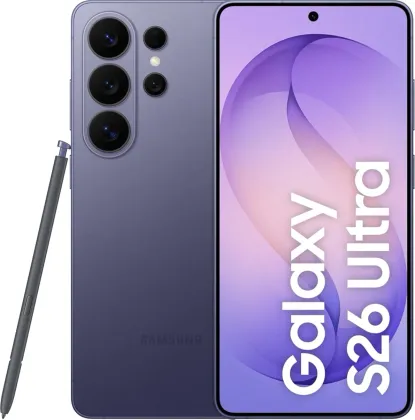
Choosing the right refresh rate
The Motion smoothness option (Settings > Display) offers an Adaptive mode, which automatically increases the refresh rate for smoother scrolling, and a Standard mode, which is more battery-friendly but visually less smooth. For typical daily use, the comfort difference between the two remains small; the difference in power consumption, however, is real over a full day.
Scheduling dark mode and eye comfort
Dark mode can be scheduled on a fixed timetable rather than turned on manually every evening. A dedicated blue light filter (Comfort view) also reduces eye strain in the evening, with its own schedule independent of dark mode.
Adjusting brightness automatically
Adaptive brightness remembers the brightness levels you set manually under different lighting conditions, to reapply them automatically the next time a similar situation occurs. An extra brightness option even lets you exceed the usual maximum in bright sunlight, but only when adaptive brightness is turned off.
Adjusting colors to your preference
Vivid screen mode goes further than the default Natural mode, with white balance adjustment (cooler or warmer) and, in advanced settings, individual adjustment of red, green, and blue as well as overall saturation level.
Avoiding accidental touches
For a phone often carried in a pocket or bag, accidental touch protection prevents the screen from reacting to touch when it's in a dark, confined space, avoiding calls or messages sent by mistake.
The Zonelectro tip
To preserve battery life without sacrificing too much visual comfort, the most effective combination remains: refresh rate set to Adaptive, adaptive brightness enabled, and screen resolution left at its default setting rather than the maximum available.
This guide is about
 Samsung Galaxy S26 Ultra 5G