Crash Detection on the Apple Watch Series 9
The exact sequence of an alert after a severe impact, and why it doesn't replace vigilance behind the wheel.
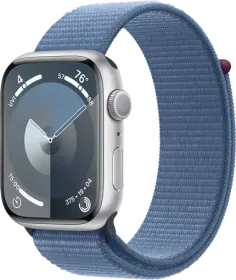
What happens right after a detected crash
When a severe car crash is detected, the watch displays an alert and starts an emergency call unless manually cancelled. If the wearer is responsive, dragging the Emergency Call slider to the right is enough to reach emergency services directly.
If there's no response
Without a reaction within 10 seconds, the device starts a 30-second countdown accompanied by an audible alarm and wrist taps. Once that time has passed, the call to emergency services triggers automatically, and location coordinates are shared by message with registered emergency contacts.
Turning off the feature
The setting lives under Settings > SOS > Crash Detection > Call After Severe Crash, which can simply be toggled off.
Limitations worth knowing
Crash Detection cannot identify every car crash. The feature requires a cellular connection or Wi-Fi calling with internet access to reach emergency services; without those, it attempts satellite contact — a capability reserved for the Apple Watch Ultra 3, not available on the Series 9. Emergency contacts also won't receive a notification if the Messages app isn't the default text messaging app, or if it's been deleted.
This guide is about
Apple Watch Series 9 45mm (GPS)