Correcting the image with Anamorphic Desqueeze on the PYXIS 12K
How to straighten out the squeezed preview from an anamorphic lens, and the classic trap with a standard spherical lens.
An image intentionally squeezed at the lens
When shooting with anamorphic lenses, the image appears horizontally "squeezed" on the camera's outputs as well as in the recorded files — a characteristic effect of this type of optic, one that needs visual correction to compose the frame properly.
Straightening the preview while keeping the info in metadata
Selecting an Anamorphic Desqueeze option corrects the preview on the PYXIS 12K, while also recording the correction amount used directly in the clip's metadata — which considerably simplifies correction in post-production, since the editing software automatically picks up the right setting.
The trap worth knowing with a spherical lens
If the image appears horizontally stretched while a standard spherical lens is mounted, the most likely cause is an Anamorphic Desqueeze setting left on by mistake. Selecting the None option disables the correction and ensures a correct display for that classic type of optic.
This guide is about
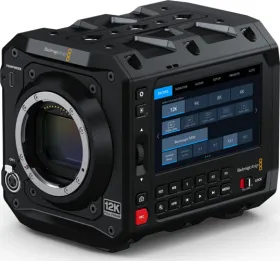
Blackmagic PYXIS 12K Cinema Camera