Contacts: managing your address book on the Galaxy S26 Ultra
Merging duplicates, creating groups, syncing with your Samsung account: organizing your contacts efficiently.
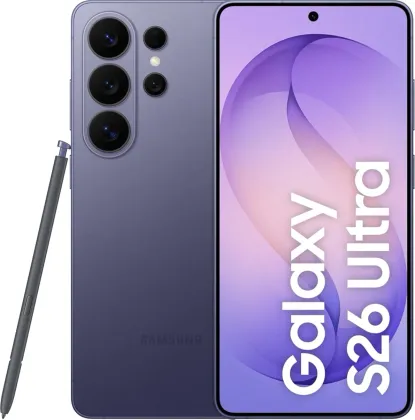
Creating, importing, and syncing your contacts
A new contact is created from the dedicated icon in the Contacts app, with a choice of default storage location. You can also import contacts all at once from another source (More options > Settings > Import contacts), or continuously sync your address book with your Samsung account or any other account linked to the device (Settings > Accounts and backup > Manage accounts).
Automatically merging duplicates
Over time, the same contact can end up duplicated several times in your address book. The Merge duplicate contacts option (Contacts > More options > Settings) detects them automatically; simply check the relevant entries and confirm the merge to clean up your list without losing any information.
Organizing your contacts into groups
Groups (family, friends, colleagues...) make it faster to find a contact or send a message to several people at once. They're created from the Groups tab in the app, with a wizard guiding you through selecting members.
Personalizing and sharing your profile card
From your own profile in the app, you can create a digital business card with a photo, which others can view during a call or when exchanging contact details — provided you've enabled profile sharing in the settings.
Searching, calling, or messaging in one gesture
A simple swipe to the right on a contact in the list (or in the call log) directly triggers a call, without needing to open the full contact card. From the card itself, tapping the profile photo brings up quick actions directly: voice call, message, video call, or email.
The Zonelectro tip
Before switching phones, remember to enable sync with an online account (Samsung or Google): all your contacts are then automatically available on the new device as soon as you sign into the same account, with no manual transfer needed.
This guide is about
 Samsung Galaxy S26 Ultra 5G