Connectivity: Wi-Fi, Bluetooth and mobile hotspot on the Galaxy S26 Ultra
Share a Wi-Fi password without typing it, pair a Bluetooth device, turn your data plan into a shared connection: connectivity basics.
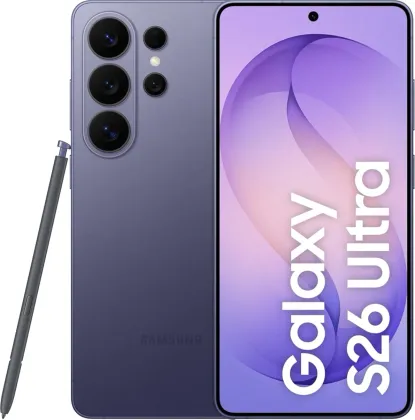
Connecting to Wi-Fi without typing the password
Beyond the classic connection (Settings > Connections > Wi-Fi), you can directly request a network's password from a contact already connected to it: by selecting that network and tapping Request password, a request is sent to the contact's device, who just needs to accept it for the connection to happen automatically, without ever displaying the password in plain text.
Wi-Fi Direct, to connect two devices without a router
Wi-Fi Direct (Connections > Wi-Fi > More options > Wi-Fi Direct) links two compatible devices directly via Wi-Fi, without going through an access point or an internet box — handy for quickly exchanging large files between two phones.
Pairing a Bluetooth device
Bluetooth pairing (Connections > Bluetooth) shows the list of devices detected nearby; simply select the one you want and confirm the connection request on both sides. The phone stays visible to other devices as long as the Bluetooth settings screen is open, which explains why some devices only show up in that specific window.
Turning your data plan into a mobile hotspot
Connection sharing (Settings > Connections > Mobile hotspot and tethering > Mobile hotspot) lets you share your data connection with other devices, with a customizable network name and password, and even a QR code to scan to quickly connect another device without typing the password.
Managing your data usage
To limit consumption, the data saver (Connections > Data usage > Data saver) prevents background apps from using the connection, while letting you allow specific apps to always use data freely. You can also force certain apps to only use Wi-Fi or only mobile data (Allowed networks for apps), handy for keeping streaming apps in check outside Wi-Fi.
The Zonelectro tip
If the mobile hotspot doesn't show up in the network list of another device, try forcing the 2.4 GHz band and disabling the hidden network option in the hotspot's advanced settings: it's the most common cause of this issue on older devices that don't detect the 5 GHz band well.
This guide is about
 Samsung Galaxy S26 Ultra 5G