HP OMEN 16 Max: heat and fan noise, what's normal
Why you should never use the laptop directly on your lap, and how the fan regulates temperature on its own.
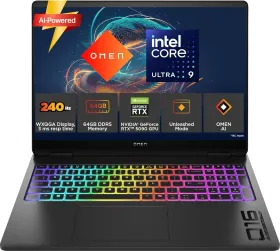
A burn risk HP takes seriously
The warning is explicit: never place the computer directly on your lap, and never block the air vents. It should always sit on a hard, flat surface — fabric, a pillow, a rug, or any other soft surface can block airflow, as can an adjacent hard surface like a printer. The AC adapter also shouldn't stay in prolonged contact with skin or a soft surface while it's operating.
The fan kicking in on its own — normal behavior
The internal fan starts up automatically to cool components and prevent overheating. It's completely normal for it to cycle on and off during routine use — that's not a sign of a problem.
What HP's design guarantees
The computer and the included AC adapter comply with the user-accessible surface temperature limits set by applicable safety standards — a useful reference point for telling normal heat apart from something genuinely abnormal.