Apple Diagnostics for Self Service Repair: testing a MacBook Pro remotely
A diagnostic tool driven from another device, useful when the Mac's screen stops responding or the computer itself can't run its own tests.
A remotely driven diagnostic
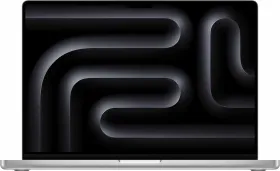
Apple Diagnostics for Self Service Repair lets you remotely test an Apple silicon Mac, particularly when the computer can't run its own diagnostics or its screen no longer works. Rather than launching the test directly on the affected Mac, you access a diagnostic console from a second device (iPhone, iPad, PC, or another Mac) through a web browser and a dedicated Apple support page.
How it actually works
You just need to enter the serial number of the Mac being tested: the second device then acts as the control station while the affected Mac actually runs the tests. The tool helps isolate the cause of a problem, determine whether a part needs replacing, and confirm that a repair actually fixed the issue — testing keyboard, trackpad, sound, battery, and display.
What you need before starting
The Mac being tested must have Apple silicon and run a recent version of macOS, with an active internet connection.