All-in-one PC: the questions to ask before buying in 2026
Upgradability, screen size, connectivity: the real questions behind buying an all-in-one PC.
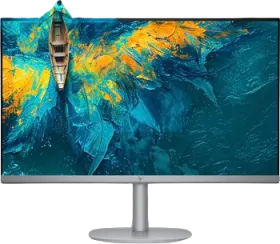
All-in-one PC: the questions to ask before buying in 2026
An all-in-one PC simplifies setup by integrating the computer into the screen — but that choice has concrete consequences worth anticipating. Here are the questions that genuinely matter.
Will I be able to upgrade the configuration later? Generally no, or very little. Unlike a tower, swapping the processor or graphics card is almost never possible on an all-in-one. The configuration bought today therefore needs to be enough for the next five years — not just for immediate use.
What screen size genuinely suits me? This depends less on abstract visual comfort than on the space physically available on the desk and your usual viewing distance. A 24-inch screen suits a limited space; a 27-inch brings more comfort for extended office work or photo editing.
Do I really need a lot of power? Everyday office use — browsing, word processing, video calls — doesn't require the same configuration as light creative use like photo editing. Precisely defining your use before buying avoids paying for power that will never be used.
Is 16 GB of RAM and 512 GB to 1 TB of SSD enough? For the vast majority of current uses, yes — it's even a good starting point that avoids having to manage storage space day to day within the first few months.
Will the available ports be enough? This is often the underestimated point: an all-in-one's compact format generally reduces the number of ports compared to a tower. Checking for the USB, HDMI, or card reader ports you actually use day to day avoids an unpleasant surprise after buying.